WI-FI · GSM · GATEWAY
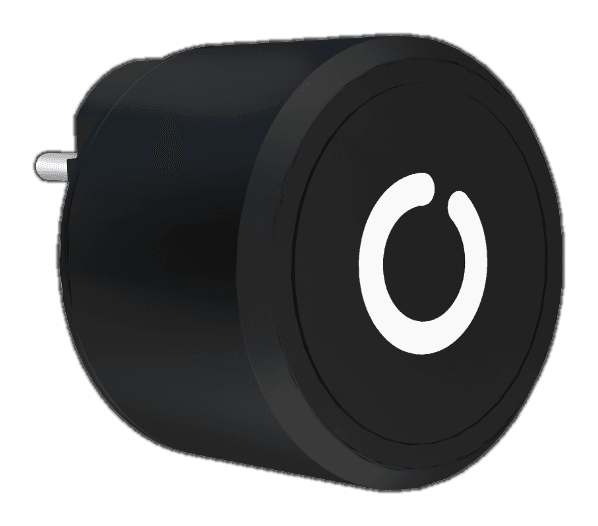
Onlock Hub
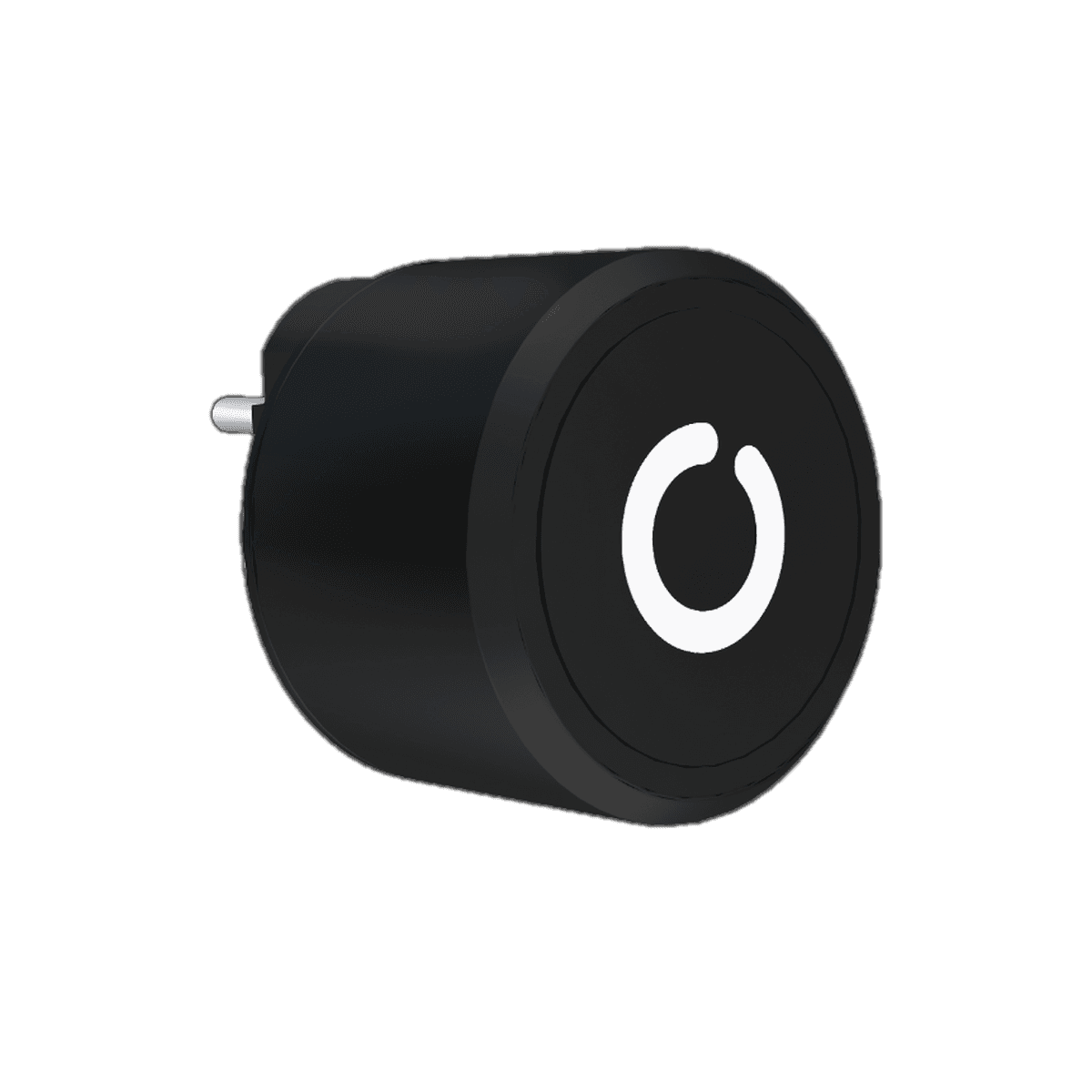
Connects your Onlock locks to the internet. Lock and unlock them from anywhere in the world, with instant notifications.
Highlights
Why the Onlock Hub?
Remote control
Open door and furniture locks from the app with a single tap.
Wi-Fi or GSM
Where there is no internet, the GSM Hub works without a Wi-Fi network.
Uninterrupted power
Plugs into the mains, so there is no battery life to worry about.
Wired and wireless
Reaches nearby locks over Bluetooth and multi locks by cable.
How It Works
Your locks, reachable from anywhere.
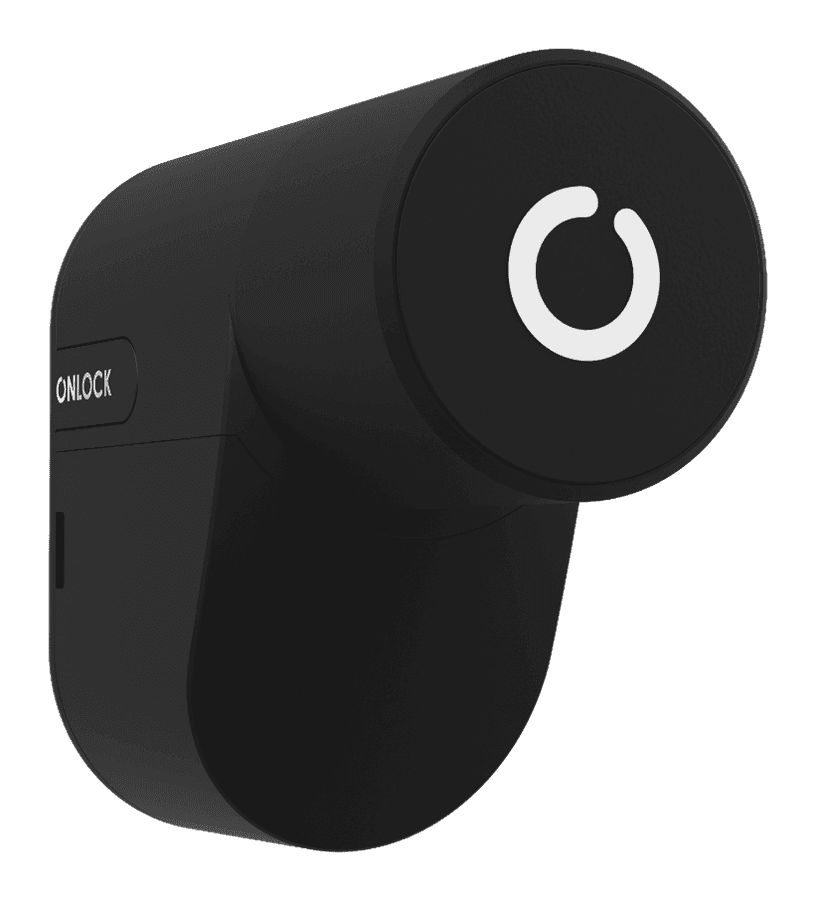
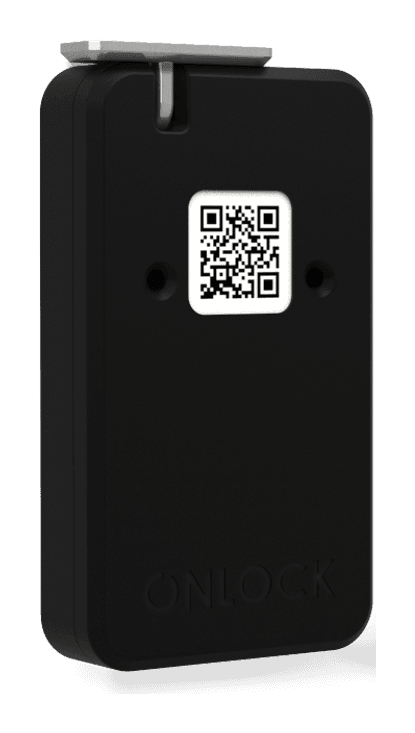
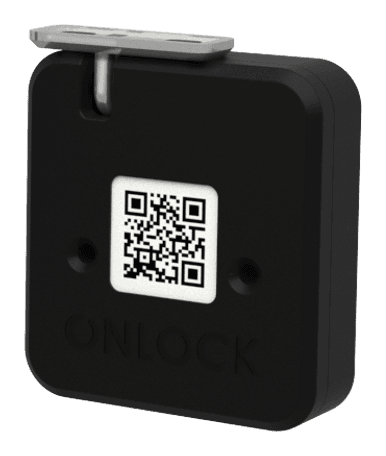
The Onlock Hub works with the Smart Door Lock and the Single and Multi Furniture Locks, and is not used on its own. Onlock locks already in use can be added to a Hub bought later. The Wi-Fi Hub and the GSM Hub work the same way; only the setup steps differ.
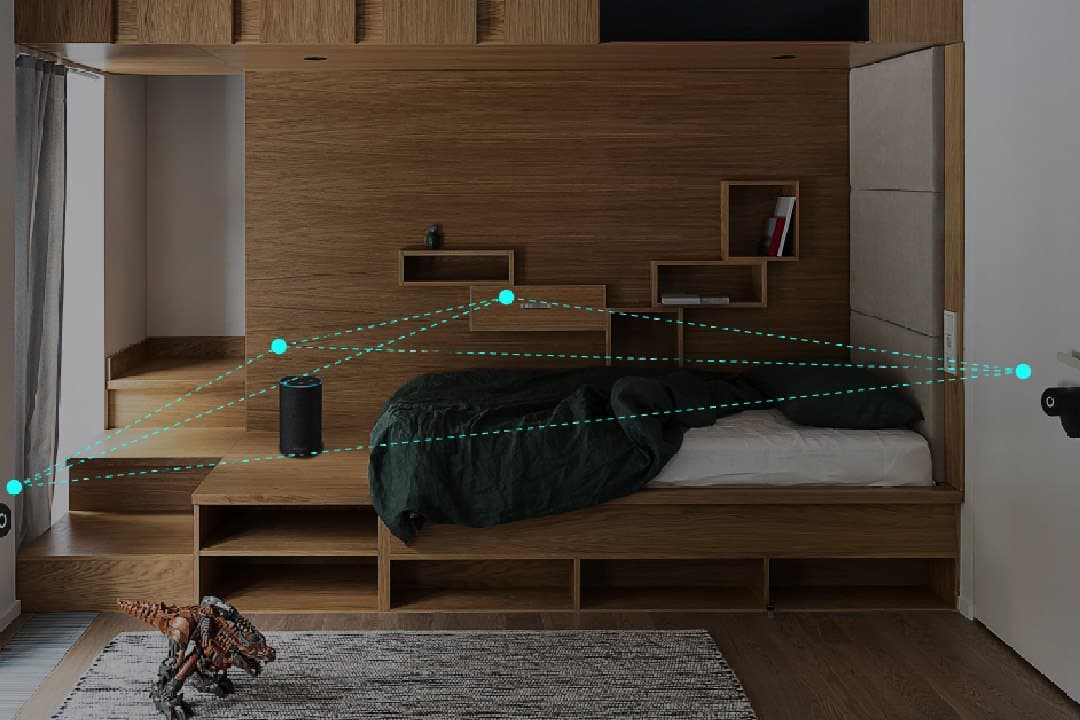
For wireless use, plug the Hub into a socket no more than 5 m from the locks, with no walls or doors in between. For wired use, a cable of 3 m or less is ideal.
- Home
- Office
- Gym
- School
- Delivery point
Technical Specifications
Technical details.
General
- Category
- Gateway
- Versions
- Wi-Fi Hub · GSM Hub
- Power
- Mains socket
Connection & power
- Wi-Fi
- 802.11 b/g/n (2.4 GHz)
- To the locks
- Bluetooth or communication cable
- Wireless range
- Up to 5 m (recommended)
- Wired
- 16 multi furniture locks
Security
- Encryption
- End-to-end
- App sign-in
- Two-factor authentication
Frequently Asked Questions
Common questions.
Where should I install the Hub?+
For wireless use, plug it into a socket within 5 m of the locks, ideally with no walls or doors in between. For wired use, keep the cable to 3 m or less.
How many Multi Furniture Locks can one Hub take?+
Sixteen.
What is the difference between the Wi-Fi Hub and the GSM Hub?+
They work the same way; only the setup steps differ. The Wi-Fi Hub suits places with internet access, the GSM Hub places without it.
Can I add a Hub to my existing Onlock lock?+
Yes. Onlock locks you already use can be controlled with a newly bought Hub.
Same Family
Smart Locks