BLUETOOTH · FURNITURE LOCK
Single Furniture Lock
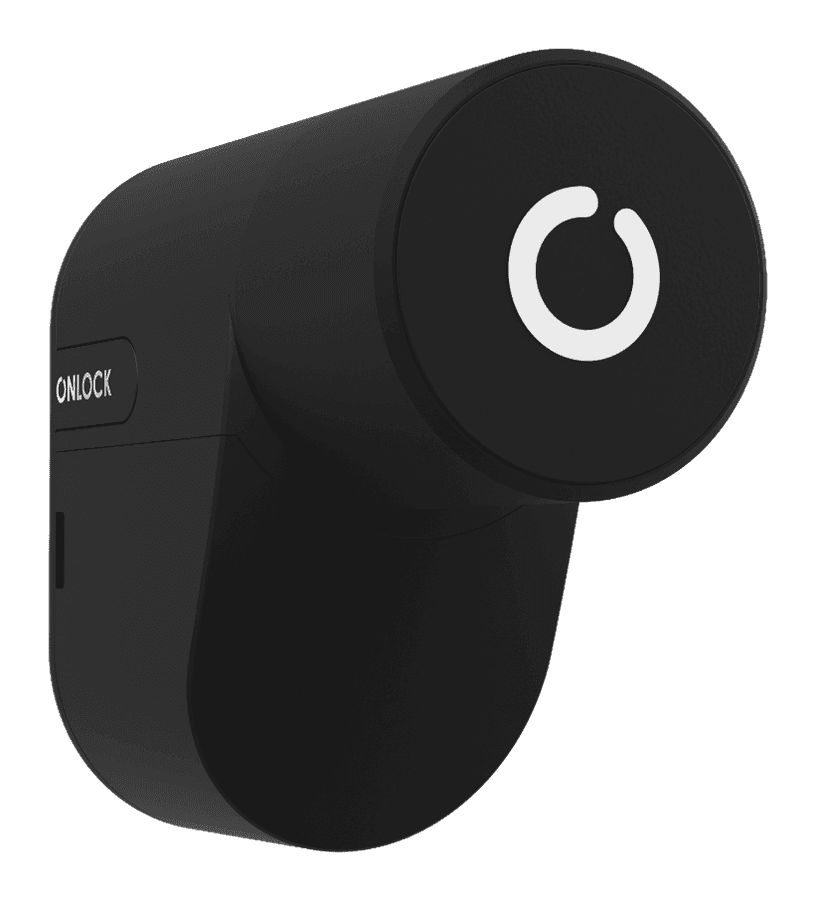
Turns cabinets, drawers and pedestals into secure spaces that are invisible from outside and managed from your phone.
Highlights
Why the Single Furniture Lock?
Invisible fitting
The lock cannot be seen from outside, so the furniture keeps its design.
Auto-lock
Locks itself when the door closes, or after a time you set.
Up to 2 years of battery
Two CR123A batteries, with the level shown in the app.
Access and tracking
See who opened it as it happens, and grant access from anywhere.
How It Works
Every closed space under lock.
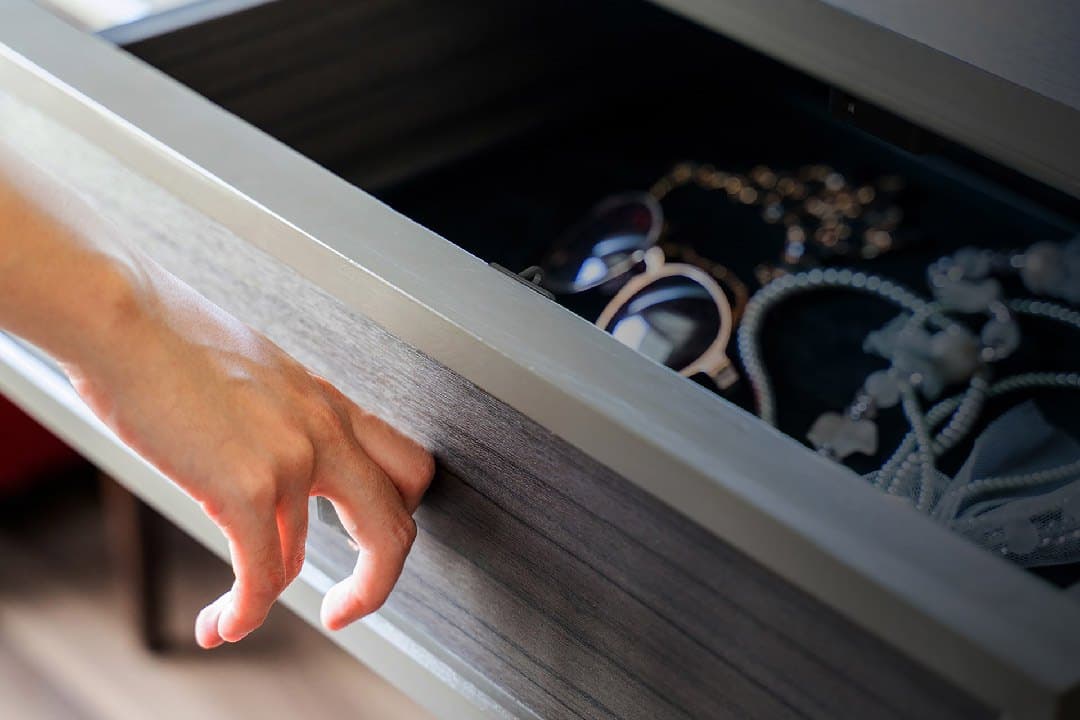
Jewellery, documents or medicine: one cabinet or drawer is enough for anything children or unauthorised people should not reach. The app shows whether the lock is open or closed, and a new employee means no new keys or codes.
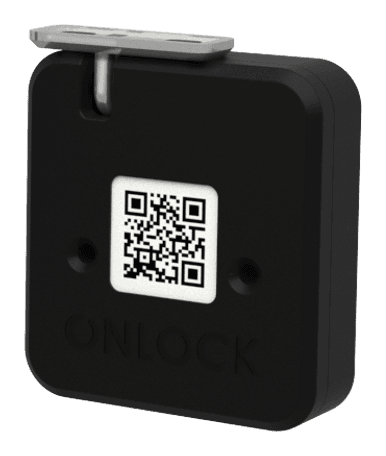
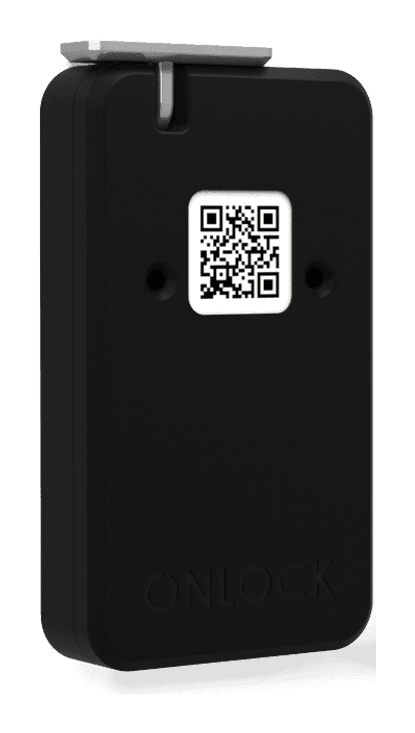
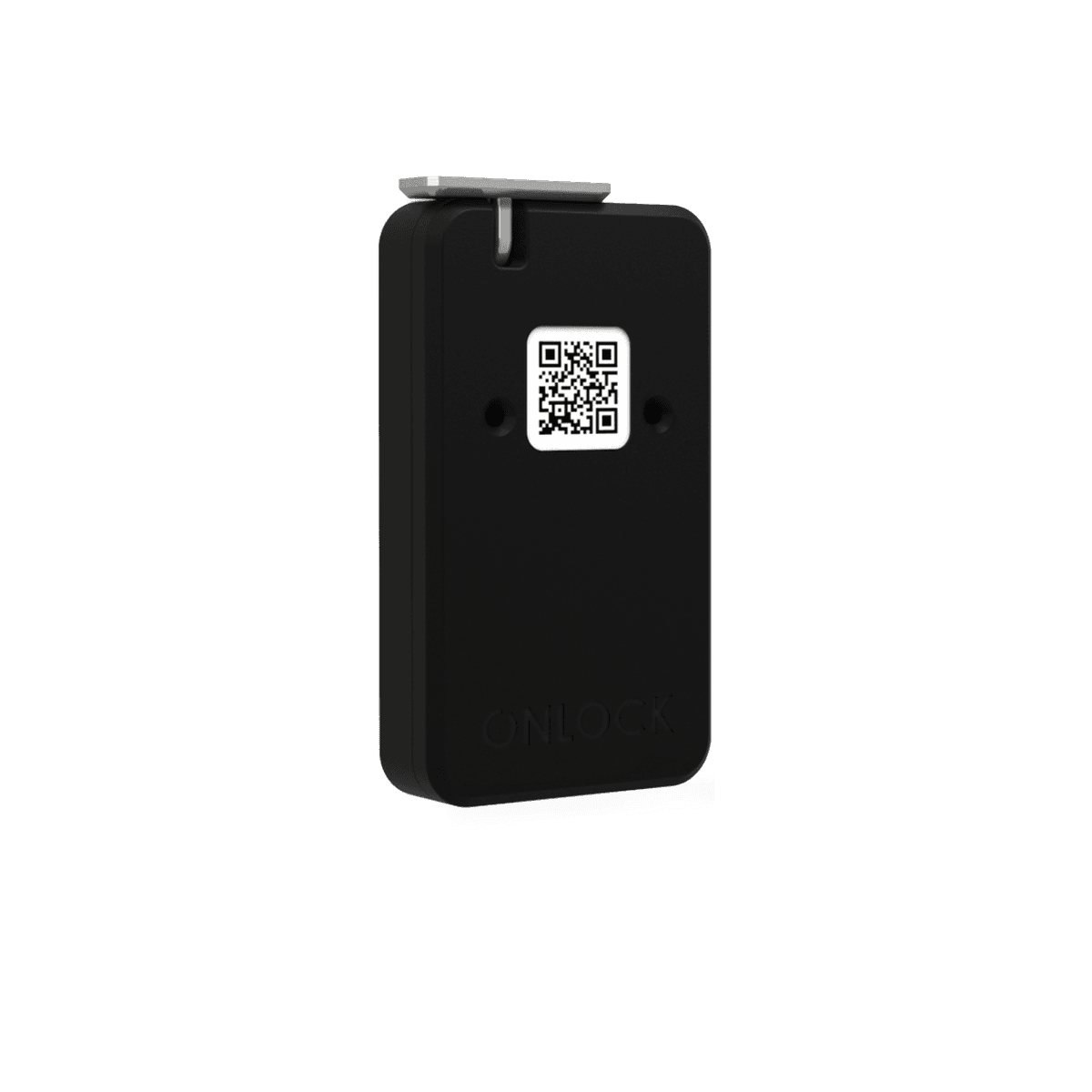
Fix the lock to the cabinet or drawer and its strike to the moving part with the double-sided tape, then finish with the screws. Scan the QR code on the lock to pair it in the app. It can be mounted vertically, horizontally or sideways.
- Home
- Office
- Pharmacy
- Hospital
- Mailbox
Technical Specifications
Technical details.
General
- Category
- Bluetooth furniture lock
- Mounting
- Vertical, horizontal or sideways
- Fixing
- Double-sided tape and screws
Connection & power
- Connection
- Bluetooth
- Remote access
- With the Onlock Hub
- Battery
- 2× CR123A
- Battery life
- Up to 2 years
Security
- Encryption
- End-to-end
- App sign-in
- Two-factor authentication
- Pairing
- QR code and Bluetooth
Frequently Asked Questions
Common questions.
Will it fit my cabinet or drawer?+
It mounts vertically, horizontally or sideways, so it adapts to most surfaces. It works in any piece of furniture larger than the lock itself.
How long does the battery last?+
Up to two years. It runs on two CR123A batteries, which are easy to find in electronics shops, and the app notifies you when the level drops.
How do I turn on auto-lock?+
Connect to the lock, open its settings and switch on Auto-Lock Mode. From then on the lock locks itself after each use.
How do I add or remove the lock?+
Create an account in the app and go to the setup screen, make sure the batteries are in, turn on Bluetooth and scan the QR code on the lock. To remove it, use 'Factory Reset' in the lock settings if you are the owner, or 'Delete Lock' if you are a user.
Same Family
Smart Locks